
- Welcome
- TeamWox Communicator
- Diagrams
- Editor
- Templates
- User Details
- Additional Details
- Calls
- Contact Details
- My Groups
- Personal Details
- Payments
- Softphone Settings
- Security
- Sessions
- Tabs Order
- Telephony
- Sounds
- Working time
- Getting Started
- Browser Settings
- Calendar
- Calls
- Charts
- Exit
- File Viewers
- Filters
- Notifications
- Certificate Installation
- Interface
- List of Assigned
- Mind Map
- Permissions
- Search
- Status
- Google Translate
- Windows
- Home
- Tasks
- Documents
- Service Desk
- Chat
- Organizations
- Contacts
- Board
- Team
- Products
- Accounting
- E-Bank
- Search
- Calendar
- Telephony
- Administration
- Projects
Tabs Order
This tab allows users to adjust the order of the tabs of the TeamWox modules.
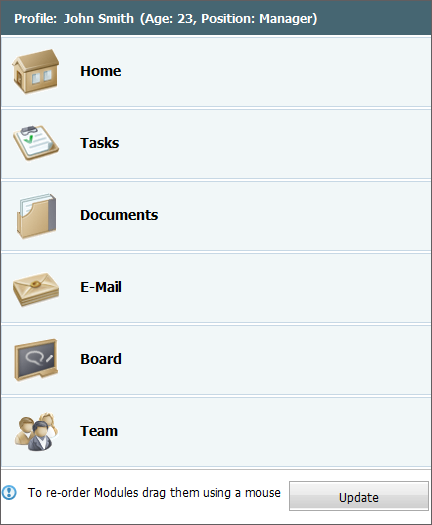
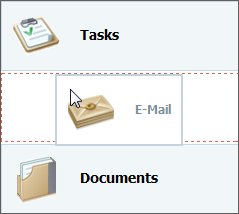
To change the order of tabs, you should move them in the list using your mouse (Drag'n'Drop). The uppermost tab is displayed first, the lowest one is the last.
Once you've finished adjusting the order press the "Update" button.